
Comparison
Little Tagger vs DEVONthink: A Tag Manager or a Document Workspace?
Choose Little Tagger when your main job is applying and maintaining Finder tags. Consider DEVONthink when you want a broader place to collect, search, link and work with documents.
DEVONthink can also leave files in their existing folders through indexing. The choice is not simply "keep files in Finder" versus "move everything into a database".
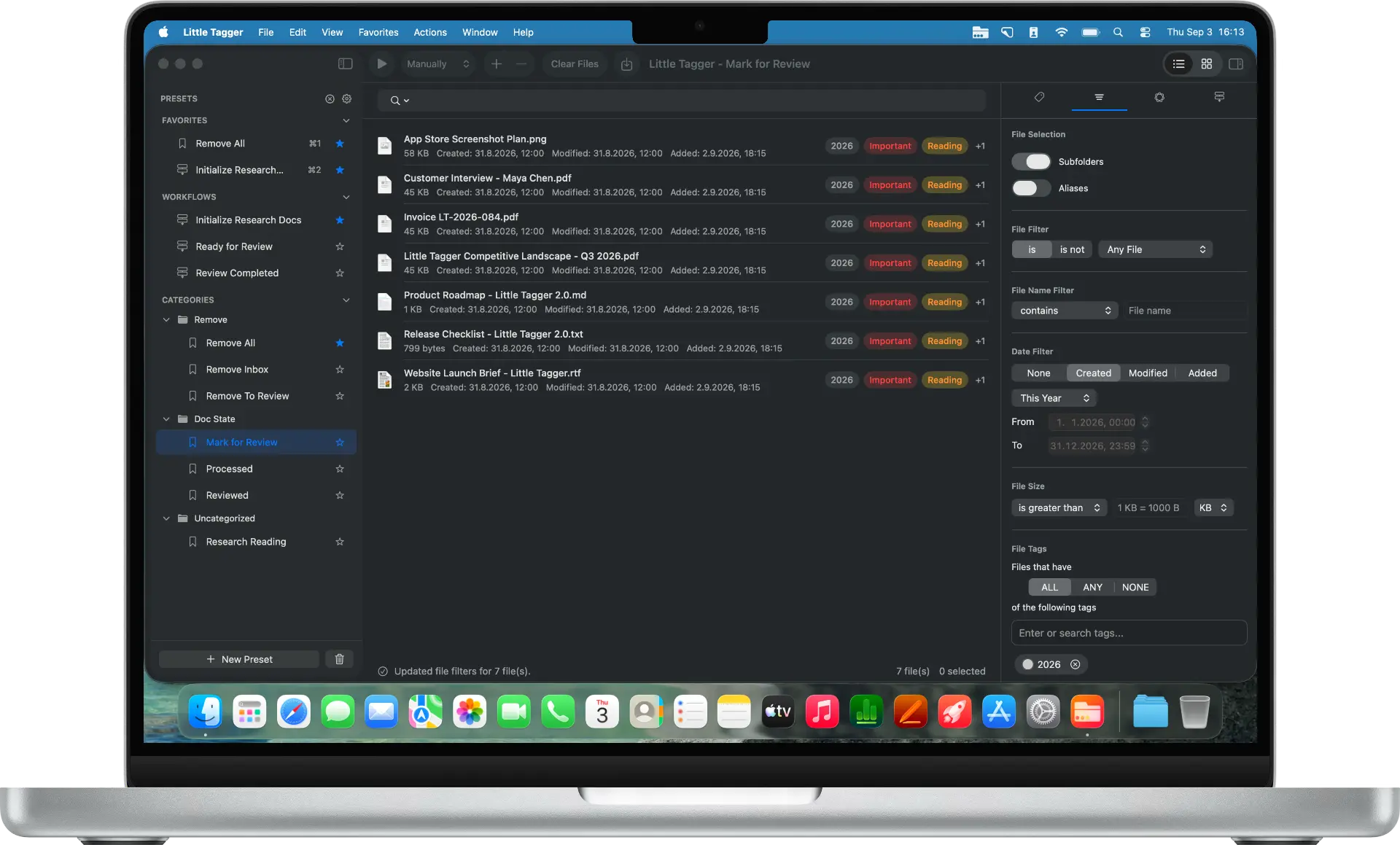
Decide how much of your work belongs in the app
Little Tagger has a focused role. You supply files, apply tags through manual actions or saved routines, and organize the tag vocabulary. Your usual apps remain the place where you read, edit and work with those files.
DEVONthink is a broader document and information manager. Its features include databases, groups, search, document links, notes and automation. Some capabilities depend on the edition.
That larger scope may be exactly what you need. It may also be more than the tagging problem you are trying to solve.
You can keep files in their folders with either app
DEVONthink supports importing documents into its databases and indexing external files. With indexing, files can remain in their existing Finder locations while DEVONthink organizes references to them. Its security and storage overview explains the distinction.
Little Tagger does not import your documents into a document database. Adding files to its workspace is a way to select them for tagging, not a request to relocate them.
Both approaches can therefore fit a requirement to keep file locations unchanged. The next question is whether you also want a document workspace around them.
| Your main need | Better starting point |
|---|---|
| Reuse Finder-tag actions on existing files | Little Tagger |
| Maintain a Finder-tag vocabulary | Little Tagger's focused management tools |
| Build a searchable, linked document collection | DEVONthink |
| Keep external files in place | Both can fit; DEVONthink offers indexing |
| Work with notes, groups and document automation in one environment | Explore DEVONthink and its editions |
| Add only a tagging layer to your current apps | Little Tagger |
There is overlap, especially around tags. Choose around the work you want the app to take over.
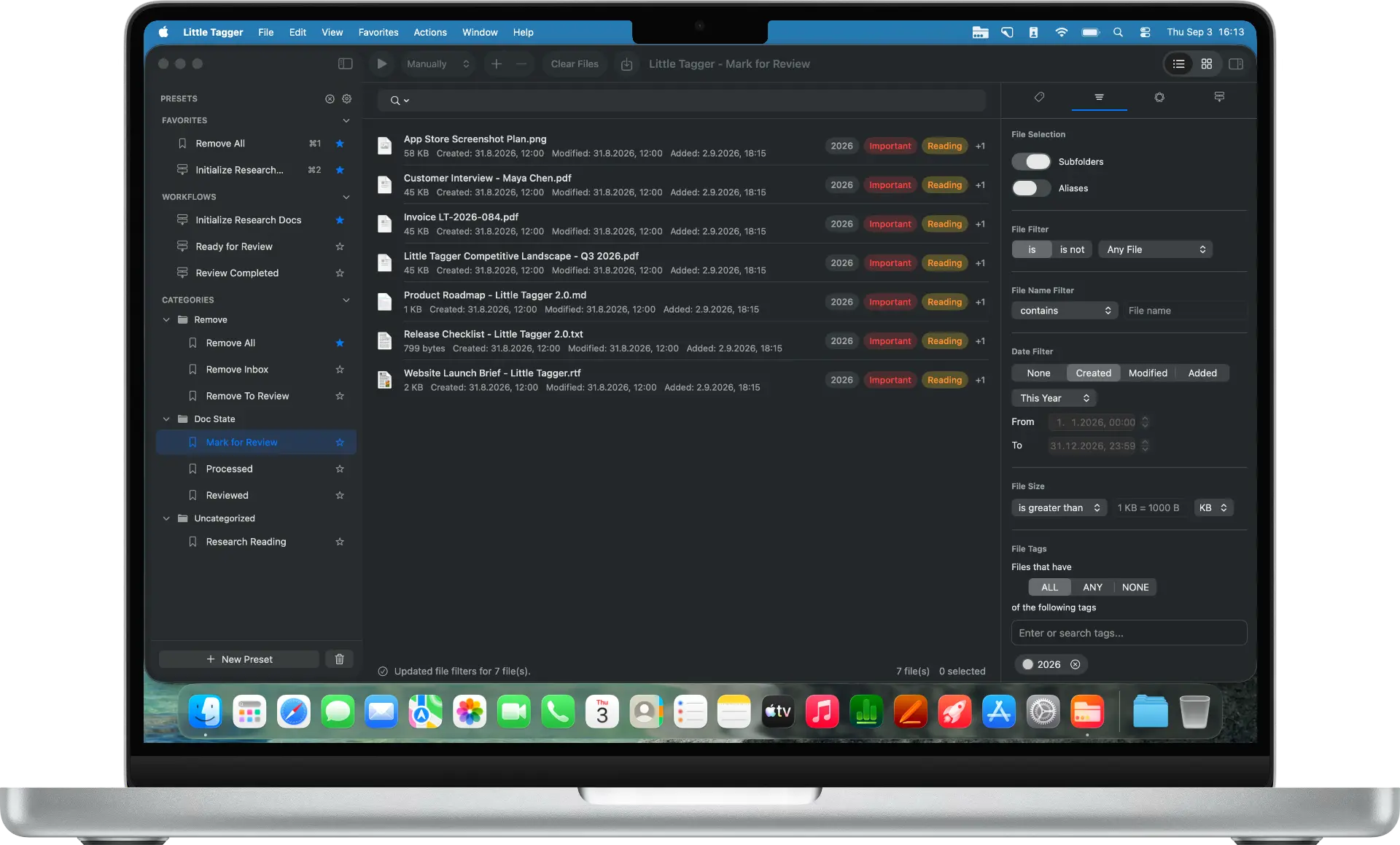
Little Tagger works on the files you supply, using native Finder tags.
DEVONthink supports Finder tags
DEVONthink documents importing Finder tags and applying them to indexed or imported files. It also provides settings to control tag exchange. See its overview of tagging in DEVONthink 4.
Do not assume its tags are always isolated from Finder. Equally, do not assume every tag is exchanged in every configuration.
Little Tagger works directly with native Finder tags. Its groups are an organizational layer inside Little Tagger, not a shared hierarchy that appears in DEVONthink or Finder.
Compare the work around a document
Imagine a research project with source PDFs, interview notes and supporting images.
You might only need project and review tags while continuing to read and edit in your existing apps. Little Tagger can help repeat those classifications without changing where the files live.
But you might want to connect notes to sources, organize related documents into groups and search the collection within a dedicated environment. DEVONthink's knowledge-base tools address that broader kind of work.
Write down which of those jobs is missing from your current setup. "More features" is not a useful requirement on its own.
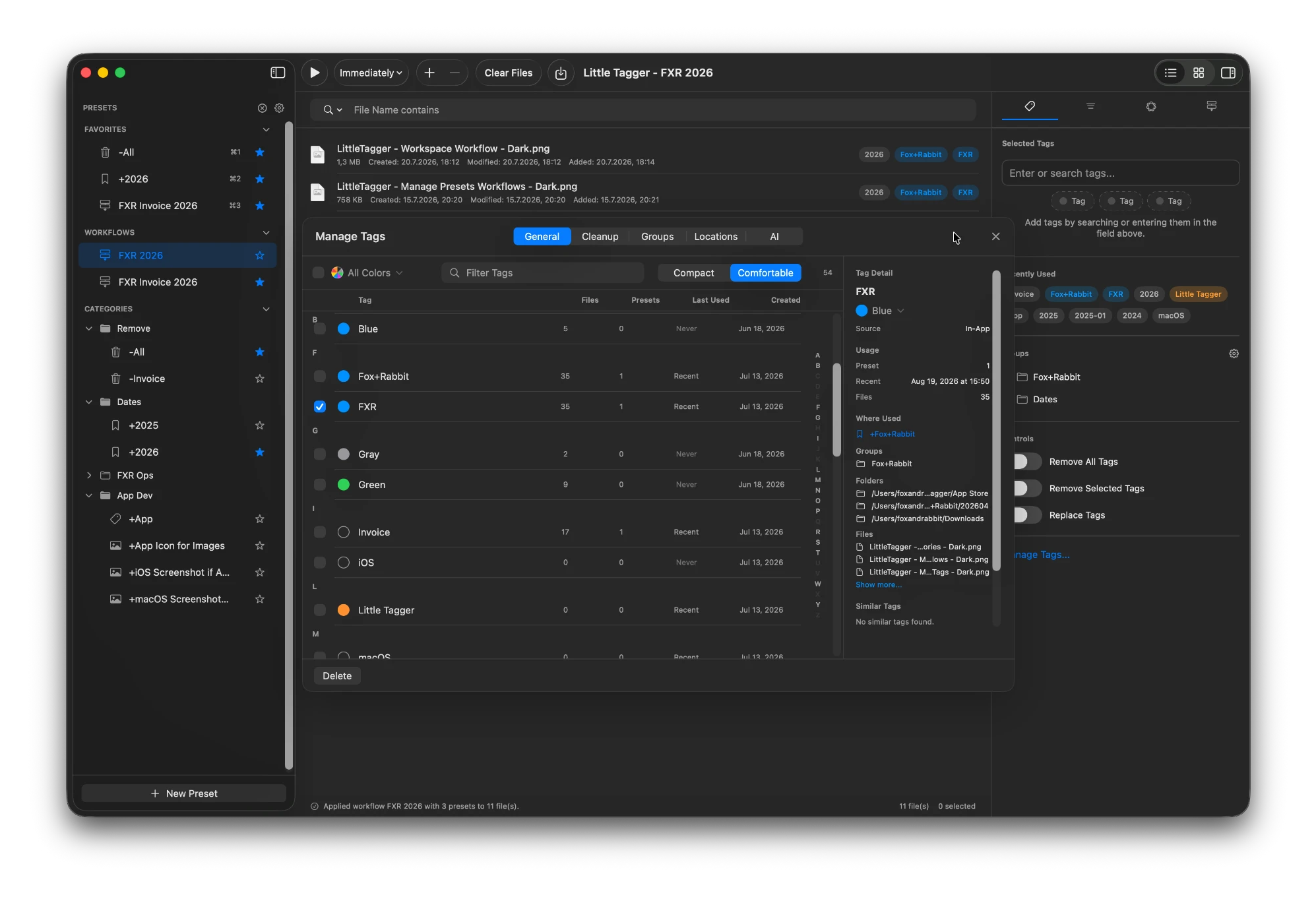
The tag library gets its own workspace: usage, groups and similar names in one place.
Privacy is not a simple dividing line
DEVONthink stores databases locally and offers choices for synchronization and AI, including local AI setups. It should not be described as requiring every document to be uploaded for processing.
Little Tagger's optional suggestions run on-device through Apple Intelligence on supported setups. Core tagging does not require those suggestions.
Compare the specific configuration you plan to use, including any sync service or AI provider. A local document workspace and a cloud-connected AI feature are separate choices.
Adding Little Tagger to an existing DEVONthink setup
Do not move a working collection just to try another tagging tool. Start with a separate sample of accessible files and check how your DEVONthink tag settings interact with changes made in Finder or Little Tagger.
Give each tool a clear responsibility. Avoid enabling broad tag changes in both until you understand which app reads or writes which information. This is a compatibility check to perform, not a claim of a dedicated integration.
Choose the scope you need
For a document workspace, explore DEVONthink. For a focused way to reuse and maintain native Finder tags around the apps you already use, try Little Tagger.
Keep your files where they are. Make the tagging repeatable.
Tag files in seconds, automate recurring tagging work and take control of your entire tag system. Private, native, built for Mac.

Free for 7 days · No account required · macOS 15+ · Intel or Apple silicon